Application Note: WiFi / UDP / Android
WiFi module configuration in Access Point mode connected to an Android terminal.
Access Point Mode
In this example, the device is configured to work in Access Point mode connected to an Android terminal.
The device must have version 1.8.00 or higher.
Android Application
UDP Sender - Download from Google Play
Configuration
1. WiFi Configuration
- WiFi enabled
- Access Point mode
- Without WiFi as alternative for reports without destination
2. Configure Access Point Data
- Network Name:
ssidname - Password:
sidpass - IP:
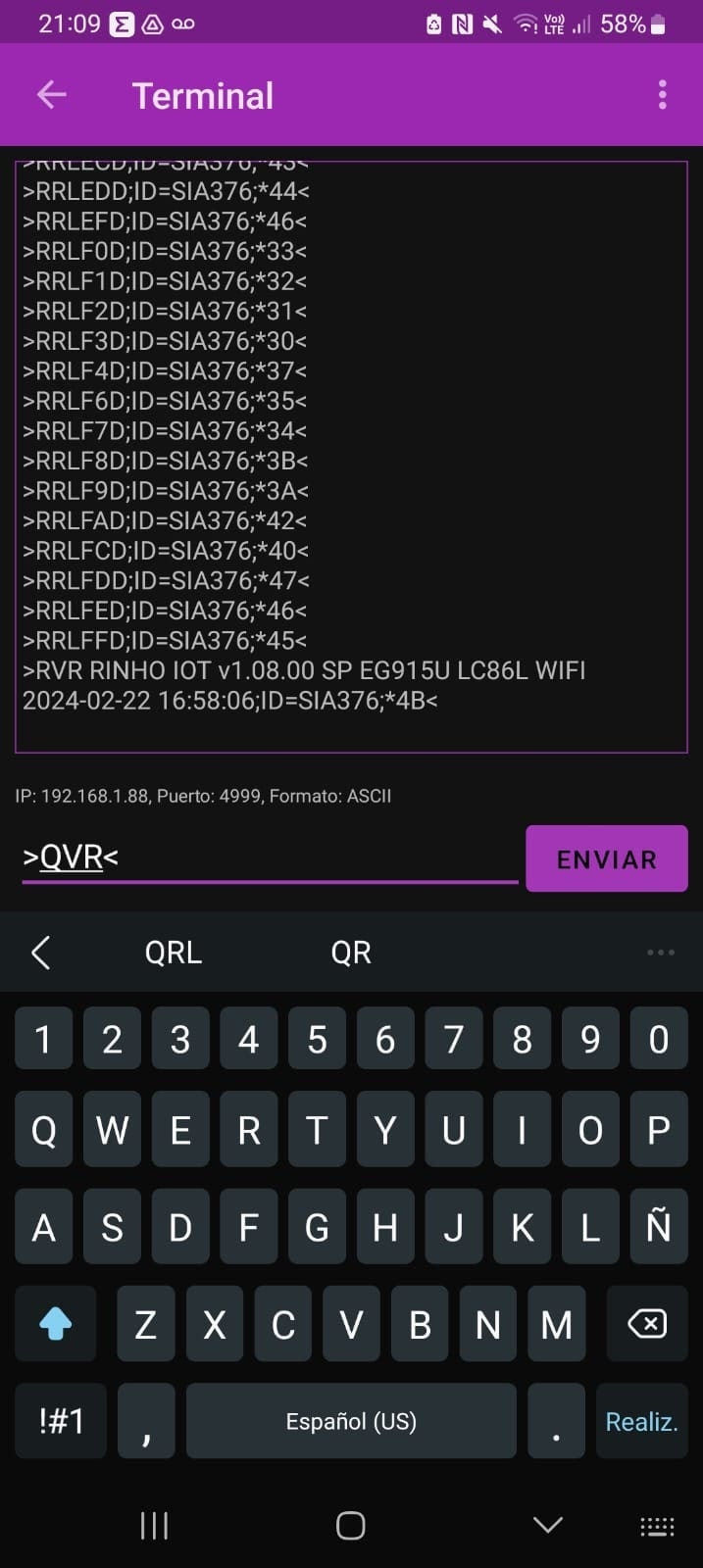
192.168.1.88 - Subnet Mask:
255.255.255.0 - Gateway:
192.168.1.1
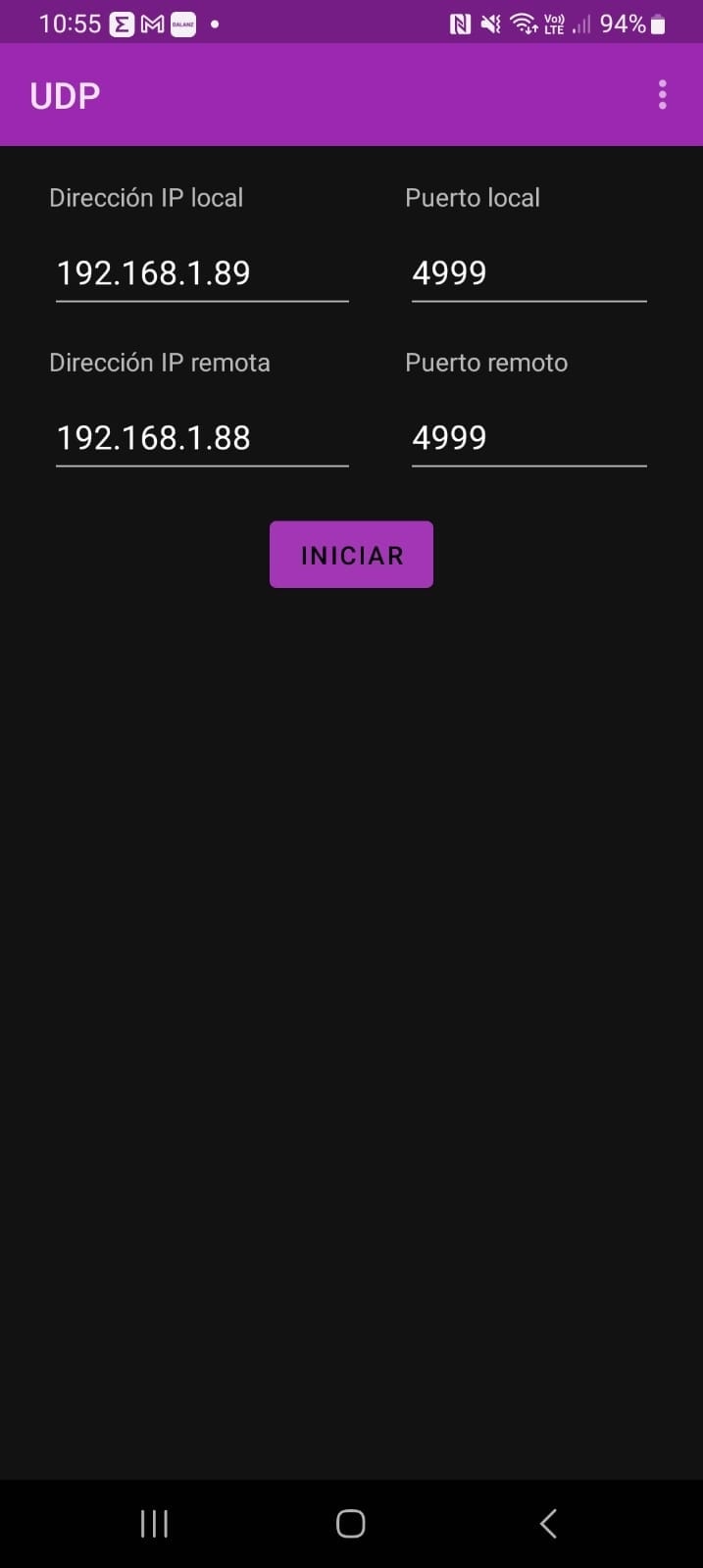
3. Configure UDP Source Port 4999
4. Configure Destination IP 192.168.1.89
- Destination Port:
4999
Complete Code
// WiFi Configuration
>SCXWIF1,1,0<

// Access Point Data
>SAPXssidname,sidpass,192.168.1.88,255.255.255.0,192.168.1.1<

// UDP Source Port
>SCXUDPSRC4999<

// Destination IP and Port
>SIP3192.168.1.89/4999<
Screenshots
Compatibility
| Device | Supported |
|---|---|
| Spider IoT | ✅ |
| Zero IoT | ✅ |
| Smart IoT | ✅ |
See Also
- APX Command - Access Point Configuration
- CXWIF Command - General WiFi Configuration
- IP Command - Report Destinations
- CXUDPSRC Command - UDP Source Port
Last updated