Serial Configuration
Guide for configuring Rinho devices using the Rinho Serial Terminal program.
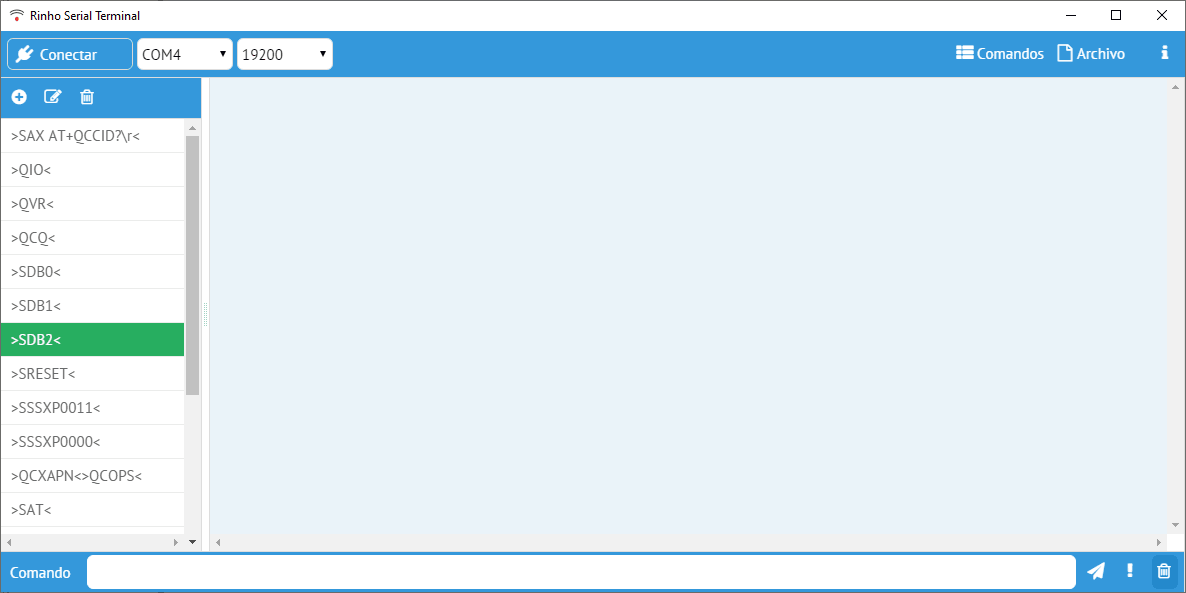
Port and speed selection
| Model | Default speed |
|---|---|
| Conventional (Spider, C5, UL) | 19200 baud |
| IoT Models | 115200 baud |
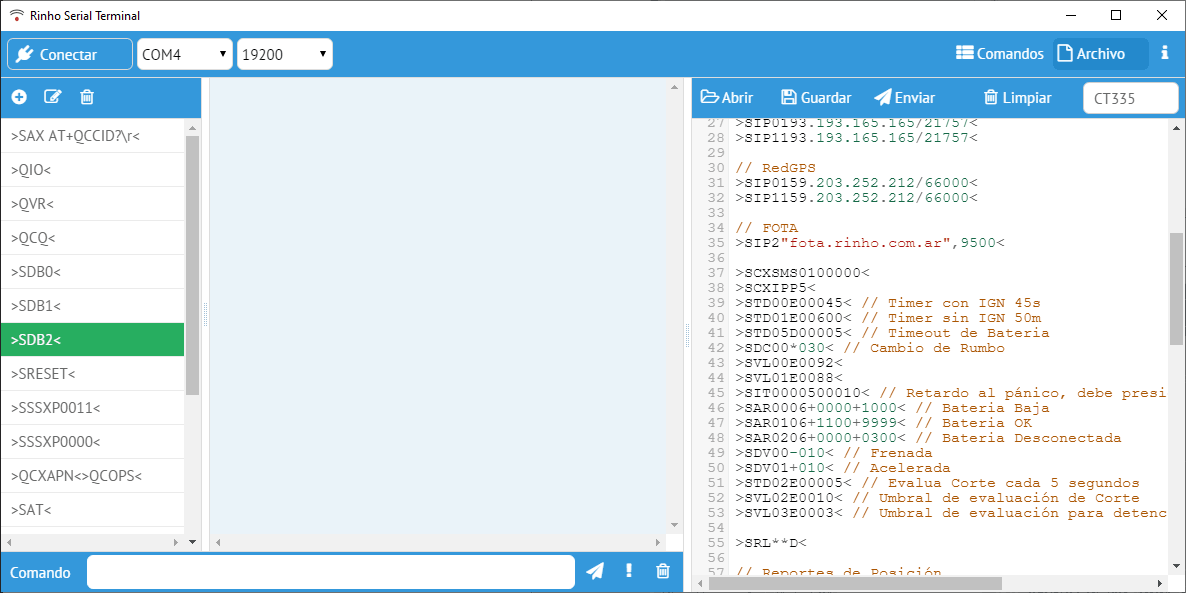
Right panel - File sending
After selecting and activating the Files tab, go to Open to locate the desired file. Once the file is selected, press Send.
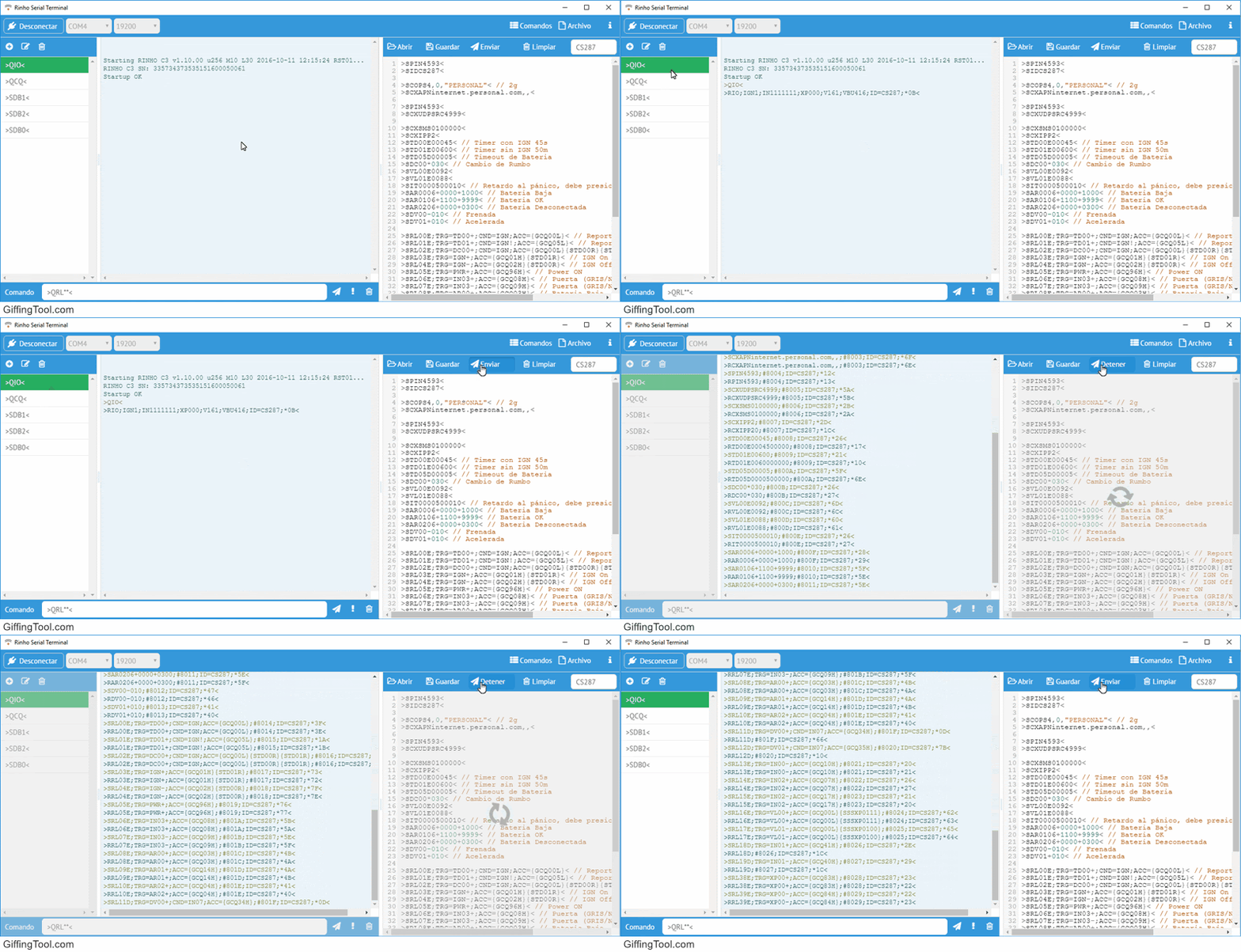
Central panel
The sending of each command and its corresponding response will be displayed.
Rinho Serial Terminal
See Also
- Communication Protocol - Command format
- UDP Configuration - Remote configuration
- Web Serial - Browser-based configuration
Last updated